
Broken Links: The Silent SEO Killer
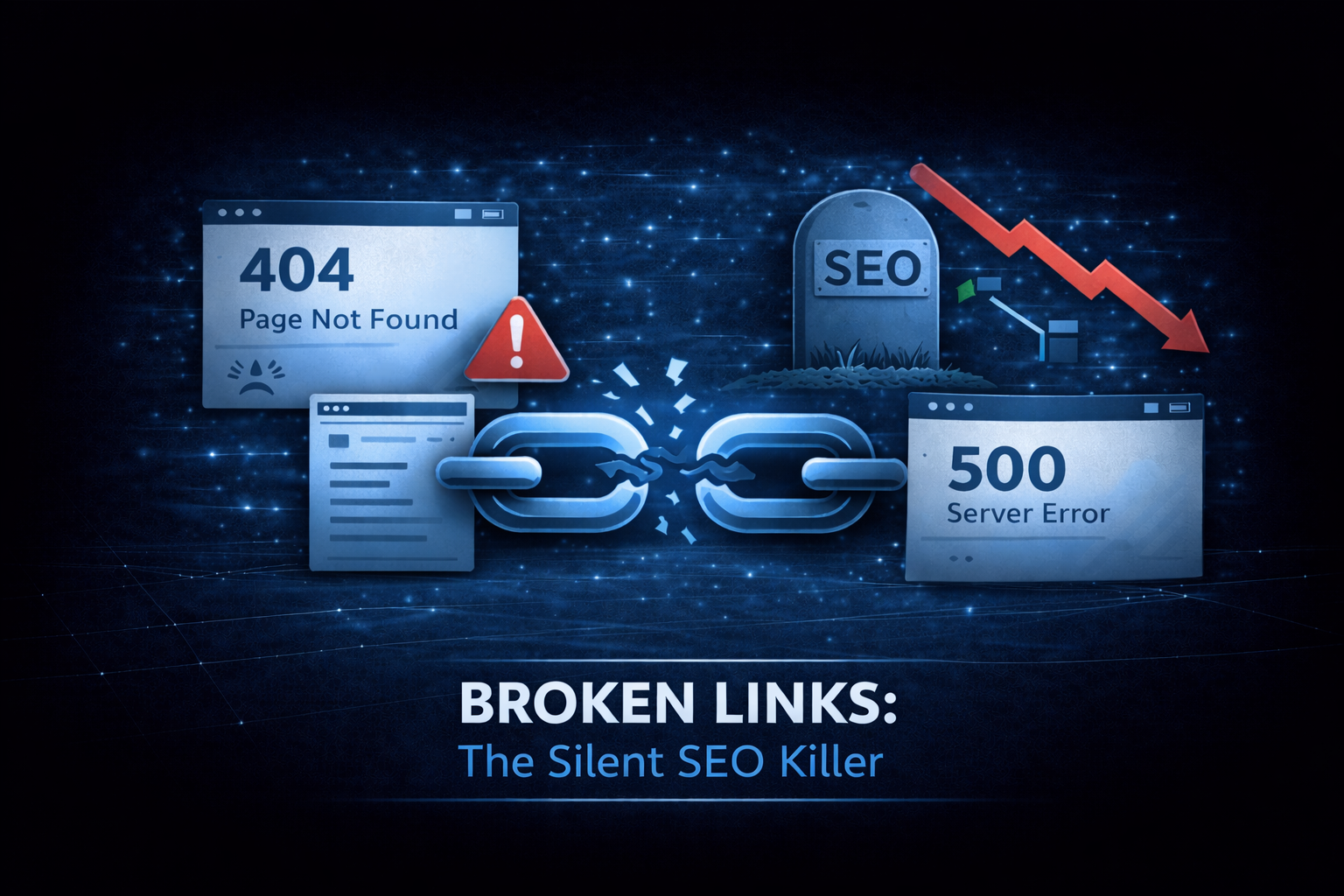
Every broken link is a dead end. For users, it’s frustration. For search engines, it’s a signal that your site isn’t well-maintained.
They also accumulate quietly. External sites change, internal pages get deleted, URLs get restructured. Without active monitoring, broken links multiply.
What are broken links?
A broken link (or dead link) is a hyperlink that leads nowhere useful:
- 404 Not Found: the page doesn’t exist
- 500 Server Error: the server failed to respond
- Connection Failed: the server couldn’t be reached
- Timeout: the server took too long to respond
The result is the same: users click expecting content and get an error instead.
Why broken links matter
SEO impact
Search engines like Google use links to discover new content, pass authority through ranking signals (PageRank), and understand how pages relate to each other. Broken links disrupt all of that:
- Crawlers hit dead ends instead of finding content
- Links pointing to 404s don’t pass value
- Many broken links suggest poor maintenance
User experience
Users trust links. When they click one, they expect to get somewhere useful. A 404 breaks that trust, and they might leave your site entirely.
Studies show users who hit 404s are more likely to bounce. Every broken link is a potential lost customer.
Lost conversions
If a broken link sits on:
- A product page (broken “Add to Cart”)
- A pricing page (broken “Contact Sales”)
- An email campaign (broken CTA)
You’re losing direct revenue. These are users who wanted to convert but couldn’t.
Types of broken links
Internal broken links
Links within your own site pointing to pages that don’t exist:
- Deleted pages without redirects
- Typos in URLs
- Changed URL structures
- CMS issues
These are entirely your fault and entirely fixable.
External broken links
Links to other websites that have changed or disappeared:
- Sites that shut down
- URLs that were restructured
- Content that was removed
- Domains that expired
You can’t control external sites, but you should update your links when they break.
Backlinks to broken pages
Other sites linking to your pages that no longer exist:
- You deleted or moved content
- URL structure changed
- Didn’t set up redirects
These are your responsibility to fix with redirects.
How broken links happen
Content deletion
Someone deletes a page or post without:
- Checking what links to it
- Setting up a redirect
- Updating internal links
URL changes
URLs get restructured:
/blog/old-titlebecomes/articles/new-title- Category reorganization
- Slug format changes
Without redirects, every old URL becomes broken.
External site changes
Third-party content moves or disappears:
- Companies go out of business
- Sites get redesigned
- Content gets paywalled
- Domains expire
Platform migrations
Moving from one CMS or platform to another often changes URL patterns. Without proper redirect mapping, everything breaks.
Typos
Simple human error:
- Misspelled URLs in content
- Copy-paste errors
- Incorrect relative paths
Finding broken links
Manual checking
Clicking every link on your site? Not practical for anything beyond a few pages.
Automated scanning
Use tools that crawl your site and check every link:
A link checker scans a page and:
- Finds all internal and external links
- Requests each one
- Reports the status code it got back
- Identifies redirect chains along the way
Run it on your highest-traffic pages first. That is where a 404 actually costs you something.
Search Console
Google Search Console reports crawl errors, including 404s Google encountered. If Google found it, it’s affecting your SEO.
Server logs
Your server logs show every 404 response. Analyzing these reveals:
- Which URLs users are requesting
- Where traffic comes from (referrer)
- How often each 404 occurs
Fixing broken links
Internal links: update or redirect
For broken internal links, you have two options:
- Update the link to point to the correct URL
- Create a redirect from the broken URL to the correct one
Updating is cleaner. Redirects are necessary when external sites link to the broken URL.
External links: update or remove
For broken external links:
- Find an alternative source for the same information
- Update the link to the new URL
- Remove the link if no alternative exists
Don’t leave dead external links. They make your content look outdated.
Broken backlinks: redirect
If other sites link to URLs you’ve changed or deleted:
- Create 301 redirects from old URLs to relevant new URLs
- Keep redirects forever (backlinks may exist for years)
- Optionally contact the linking site to update their link
Never delete old URLs without redirects if they have external backlinks.
Preventing broken links
Before deleting content
Always check:
- What pages link to this content internally?
- Does Google Search Console show backlinks?
- Should this URL redirect somewhere?
Before changing URLs
Create redirects first:
- Map old URLs to new URLs
- Implement 301 redirects
- Test redirects before going live
- Update internal links (redirects work, but direct links are faster)
Regular audits
Schedule periodic link checks:
- Monthly for active sites
- After major content changes
- After any URL restructuring
Link monitoring
Set up alerts for:
- New 404s in server logs
- Crawl errors in Search Console
- Failed link checks in monitoring tools
Redirect best practices
When fixing broken URLs with redirects:
Use 301, not 302
301 means “permanently moved.” Search engines transfer ranking signals. 302 means “temporary,” and ranking signals may not transfer.
For more on redirects, see URL Redirects: When to Use 301 vs 302.
Redirect to relevant content
Don’t redirect everything to the homepage. Users clicked for a reason, so send them somewhere relevant:
- Deleted product → category page
- Old blog post → newer related post
- Removed feature → features overview
Avoid redirect chains
If A redirects to B, and B redirects to C, that’s a chain. Users and crawlers experience:
- Slower load times
- Potential failures
- Reduced link equity
Always redirect directly to the final destination.
Priority: what to fix first
Not all broken links are equal. Fix in this order:
1. High-traffic pages
Broken links on popular pages affect more users. Check your homepage, top landing pages, product/service pages, and key blog posts.
2. Conversion pages
Broken links here directly cost money: pricing pages, checkout flows, contact forms, demo requests.
3. Internal links
You control these completely. No excuse for internal 404s.
4. External links
Less urgent but still worth fixing. Outdated external links make content look stale.
The cost of ignoring broken links
Over time, unfixed broken links compound. One broken link leads to more through link rot. SEO degrades as search engines see a pattern of poor maintenance. Users give up and leave when they hit dead ends, and sites full of broken links look abandoned.
Take action
- Scan your key pages with a link checker
- Fix any internal broken links immediately
- Update or remove broken external links
- Set up redirects for any URLs with backlinks
- Schedule monthly link audits
For help with technical SEO or site maintenance, reach out.
Need help shipping?
We help teams build and ship software that works. Performance, SEO, features, weekly demos, full ownership.
Tell Us What's Stuck