
CLI Coding Agents in 2026: What Actually Works
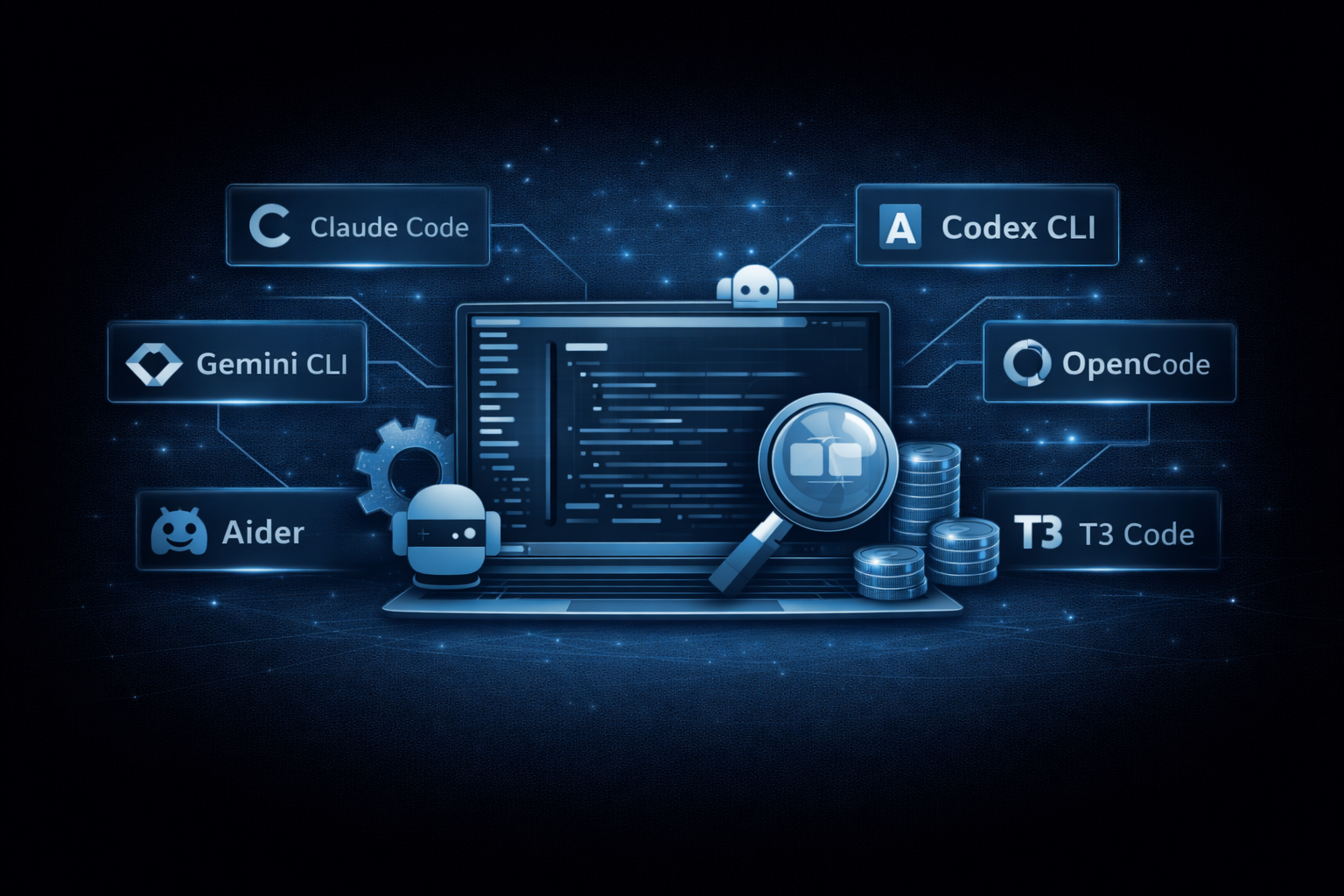
Our team has been running AI coding agents in the terminal daily across client projects for the past year. Some of them have changed how we ship. Others cost us more time than they saved.
This post covers the terminal and CLI side of the AI coding landscape. We’re comparing Claude Code, Codex CLI, Gemini CLI, OpenCode, Aider, and T3 Code. If you’re looking for IDE-based tools like Cursor, Windsurf, or VS Code extensions like Cline, Roo Code, or Kilo Code, we’ll cover those in a follow-up post.
Claude Code
Claude Code is Anthropic’s terminal-first agent. You give it a task in plain English, it reads your codebase, edits files, runs commands, and creates commits. It also has extensions for VS Code and JetBrains, plus a web interface at claude.ai/code, but the terminal is where it started and where it works best.
The context window is 1M tokens on Opus 4.6, and it uses that well. It understands project structure and makes targeted edits rather than rewriting entire files. In our experience, it’s the best at reasoning about code when you need it to actually think through a problem.
Pricing: $20/month (Pro), $100/month (Max 5x), $200/month (Max 20x). API usage is pay-per-token (Sonnet 4.6 at $3/$15 per million tokens, Opus at $15/$75). Heavy API users typically spend $6-12/day. No free tier.
Where it works well: Architecture decisions, understanding large codebases, complex refactoring. When we need the AI to reason about tradeoffs across a project, this is what we reach for. It also recently shipped agent teams (research preview) that can run parallel coding workflows.
Where it doesn’t: The $20 plan runs out fast. A few complex prompts can eat your 5-hour rolling window. DHH called the limits “very customer hostile,” and we get where he’s coming from. Budget for $100 or $200 if you’re going to use it seriously. Also locked to Anthropic models only.
Codex CLI (OpenAI)
Codex CLI is OpenAI’s open-source terminal agent, built in Rust. Install it with npm i -g @openai/codex. It runs locally on your machine, can read and edit files, execute commands, and has a full-screen TUI with a plan-then-execute workflow.
It also connects to OpenAI’s cloud for launching sandbox-based tasks. You assign work, it spins up a container with your repo, does the work, and opens a pull request. Tasks take 1 to 30 minutes. You can run multiple in parallel.
Pricing: Comes with ChatGPT subscriptions. Plus ($20/month) gets 33-168 local messages per 5-hour window. Pro ($200/month) gets 223-1,120. You can also use an API key and pay per token.
Where it works well: Implementation. It ships a built-in code review agent for pre-commit checks, can spawn subagents for parallel work, and has web search built in. Terminal and DevOps tasks are a strong point. Usage limits feel less restrictive than Claude Code at the same price.
Where it doesn’t: Not the tool for architecture. It’s a solid implementer but not a reliable designer. Tied to OpenAI models only. And when you submit a cloud task, you don’t know how long it will take. Windows support is still experimental (WSL only).
Gemini CLI (Google)
Gemini CLI is Google’s open-source (Apache 2.0) terminal agent. Install via npm install -g @google/gemini-cli. It brings Gemini models into your terminal with a ReAct loop (reason and act) and built-in tools for file operations, shell commands, and web search.
The free tier is the real story here. Log in with a Google account and you get 1,000 requests per day. No credit card. No trial period. That’s far more generous than anything else on this list.
Pricing: Free with a Google account (1,000 requests/day). Paid tiers through Google AI Pro ($19.99/month) and Ultra ($249.99/month) for higher quotas.
Where it works well: If you want to try a CLI coding agent without paying anything, start here. Access to Gemini 3 models with a 1M token context window. Built-in Google Search grounding gives it real-time web context that other tools need MCP plugins for. Also has a Plan Mode for structured planning before execution.
Where it doesn’t: Reasoning quality on harder tasks doesn’t match Claude Code in our experience. The ecosystem is younger (launched March 2026). And 1,000 free requests/day sounds like a lot until you’re working on something complex and burning through them.
OpenCode
OpenCode (by Anomaly, the team behind SST) is a free, open-source (MIT) coding agent. It runs as a polished TUI in the terminal, has a desktop app in beta, and IDE extensions for VS Code, Cursor, JetBrains, Zed, Neovim, and Emacs.
The key difference: you bring your own model. Pick from 75+ providers, plug in existing ChatGPT Plus or GitHub Copilot subscriptions, or run local models for complete privacy. 131K GitHub stars, 828 contributors, 650K monthly active users.
Pricing: Free. You pay for your model provider. They also offer OpenCode Zen, their own managed model service at pay-as-you-go with zero markups ($20 initial balance).
Where it works well: Privacy and vendor independence. Your code stays on your machine unless you choose a cloud model. Mix models as you see fit: a reasoning model for planning, a cheap fast one for implementation. MCP server support means it plugs into whatever toolchain you already have. The client/server architecture also lets you access it remotely (from a phone, even).
Where it doesn’t: Quality is a function of which model you pick. Configuration takes more effort than commercial tools. If something breaks, you fix it yourself. There’s also naming confusion: the original “OpenCode” was a different Go-based project by Kujtim Hoxha that got archived in 2025 and continued as Crush under Charmbracelet.
Aider
Aider is the oldest and most mature open-source option. It’s an AI pair programming tool that’s deeply integrated with git. Install via pip install aider-install. Works with 100+ LLM providers, 100+ programming languages, and automatically commits every change with descriptive messages.
42K GitHub stars, 5.7 million PyPI installations. That’s a big community for a tool that doesn’t have a marketing team or a VC-backed landing page.
Pricing: Free and open source. Bring your own API keys. Typical costs range from $0.01-0.10 per feature implementation depending on the model.
Where it works well: The git integration is the best of any tool here. Every change gets committed automatically with clear messages, making it easy to review, diff, or revert AI work. Multi-file edits, image and web page context, voice input, and automatic linting/testing after changes. It scores around 72% on SWE-bench with a Claude backend.
Where it doesn’t: It’s a traditional CLI chat interface, not a fancy TUI like OpenCode. No built-in agent teams or parallel processing. No managed service option. You set up API keys yourself and configure things manually. If you want a polished out-of-the-box experience, look elsewhere. If you want rock-solid git-first AI coding, it’s hard to beat.
T3 Code
T3 Code is different from the rest. It’s not an agent itself. It’s a GUI wrapper (web app and desktop app) that sits on top of other CLI agents. Built by Theo Browne’s team at Ping.gg. Install via npx t3 or download the desktop app.
Currently at v0.0.14, so it’s very early. It wraps Codex CLI and Claude Code today, with Cursor, OpenCode, and Gemini support planned.
Pricing: Free and open source. You bring your own API keys or subscriptions for the underlying agents.
Where it works well: If you want a visual interface for managing multiple AI coding agents without switching between terminal and browser, this is the idea. The standout feature is automated git worktree management: it creates isolated branches for each agent so parallel work doesn’t collide. One-click PR workflow, built-in diff viewer, configurable quick actions.
Where it doesn’t: Very early stage. Expect bugs. Not accepting external contributions yet. It’s only as good as the agents it wraps. If you’re already comfortable in the terminal, the value add may not justify another tool in the chain.
The rest of the field
The CLI coding agent space has exploded. Beyond the tools above, here are others worth knowing about.
Other standalone CLI agents
Amp (by Sourcegraph) is a commercial CLI and VS Code agent that uses Sourcegraph’s code intelligence to work across large codebases. It routes between models automatically and spawns sub-agents (Oracle, Librarian, Painter) for different tasks. Goose (by Block, the Cash App parent company) is fully open-source under Apache 2.0 with native MCP integration, model-agnostic support, and the ability to install, execute, edit, and test code end-to-end. Junie CLI (by JetBrains) brings multi-model support (GPT-5, Claude, Gemini, Grok) to the terminal from the JetBrains ecosystem.
Crush (by Charmbracelet) is the successor to the original OpenCode project by Kujtim Hoxha. It’s a polished coding TUI written in Go with multi-provider support, LSP integration, and mid-session model switching, from the team behind Bubble Tea and other popular terminal tools. Plandex targets large and complex tasks specifically, with a 2M token effective context window, 20M+ token Tree-sitter indexing, and a cumulative diff review sandbox. Amazon Q Developer CLI (now rebranded as Kiro CLI) brings AWS’s agent into the terminal, powered by Claude via Bedrock, with the ability to query AWS resources directly.
Cline started as a VS Code extension but now also ships a standalone CLI with model-agnostic support, file editing, command execution, and browser automation. Roo Code similarly offers a CLI with multiple modes (architect, code, debug, orchestrator). Cursor CLI is Cursor’s official command-line agent with shell mode and multi-model access.
Orchestrators and wrappers
A separate category has emerged: tools that don’t write code themselves but coordinate other agents.
Schaltwerk is an open-source desktop app (macOS, Windows, Linux) that manages multiple CLI agents (Claude Code, Codex, Gemini CLI, Amp) working on the same codebase in isolated git worktrees, with GitHub-style diff reviews. Conductor (by Melty Labs, YC-backed) is a Mac app that orchestrates teams of Claude Code agents in parallel with Linear integration and PR creation. It’s free, using your own Claude Code subscription. HumanLayer (also YC-backed) is an open-source IDE/orchestrator focused on making agents effective in large, complex codebases with parallel sessions and remote cloud workers.
ZeroShot is a multi-agent orchestration CLI that runs a planner, implementer, and independent “blind validators” in isolated environments, looping until changes are verified. It supports Claude Code, Codex, OpenCode, and Gemini CLI. Swarm Tools is an OpenCode plugin that breaks tasks into parallel subtasks and spawns isolated worker agents with file reservations to prevent conflicts. CodeMachines runs AI agents through structured, repeatable, long-running workflows with persistence and context passing via specification files.
Claudish takes a different angle: it’s a proxy that lets you run Claude Code’s interface with any model (GPT-4o, Gemini, Llama) by standing up a local Anthropic API-compatible server. Superpowers is a composable skills framework for coding agents (89K+ GitHub stars) that enforces brainstorming-first workflows and TDD.
There’s also Warp, which isn’t a coding agent but a terminal replacement that runs its own AI agent (Oz) alongside Claude Code, Codex, and Gemini CLI simultaneously. OpenHands (by All Hands AI) is a full autonomous AI software engineer with CLI, Python SDK, and web UI that consistently ranks at the top of SWE-bench.
And a long tail of smaller or newer projects: Klavis (MCP infrastructure for connecting agents to 50+ services), Pear AI, Continue (open source), Tabnine, Supermaven, and others. The space moves fast. Some of these may not exist by the time you read this.
How we actually use them
We use a mix, and most teams we talk to do the same.
For architecture and hard problems, Claude Code. For implementation and parallel bug fixes, Codex CLI. For zero-cost experimentation, Gemini CLI. For vendor independence and privacy-sensitive client work, OpenCode. Aider for when we want a clean git history of every AI change.
No single tool wins at everything. Most developers we know run at least two. Pick based on what you actually need to do, not the landing page.
This post focused on CLI and terminal tools. For IDE-based tools (Cursor, Windsurf, and the VS Code extension ecosystem), see our follow-up: AI coding IDEs and extensions in 2026.
Need help shipping?
We help teams build and ship software that works. Performance, SEO, features, weekly demos, full ownership.
Tell Us What's Stuck