
Alt Text: Accessibility and SEO Guide
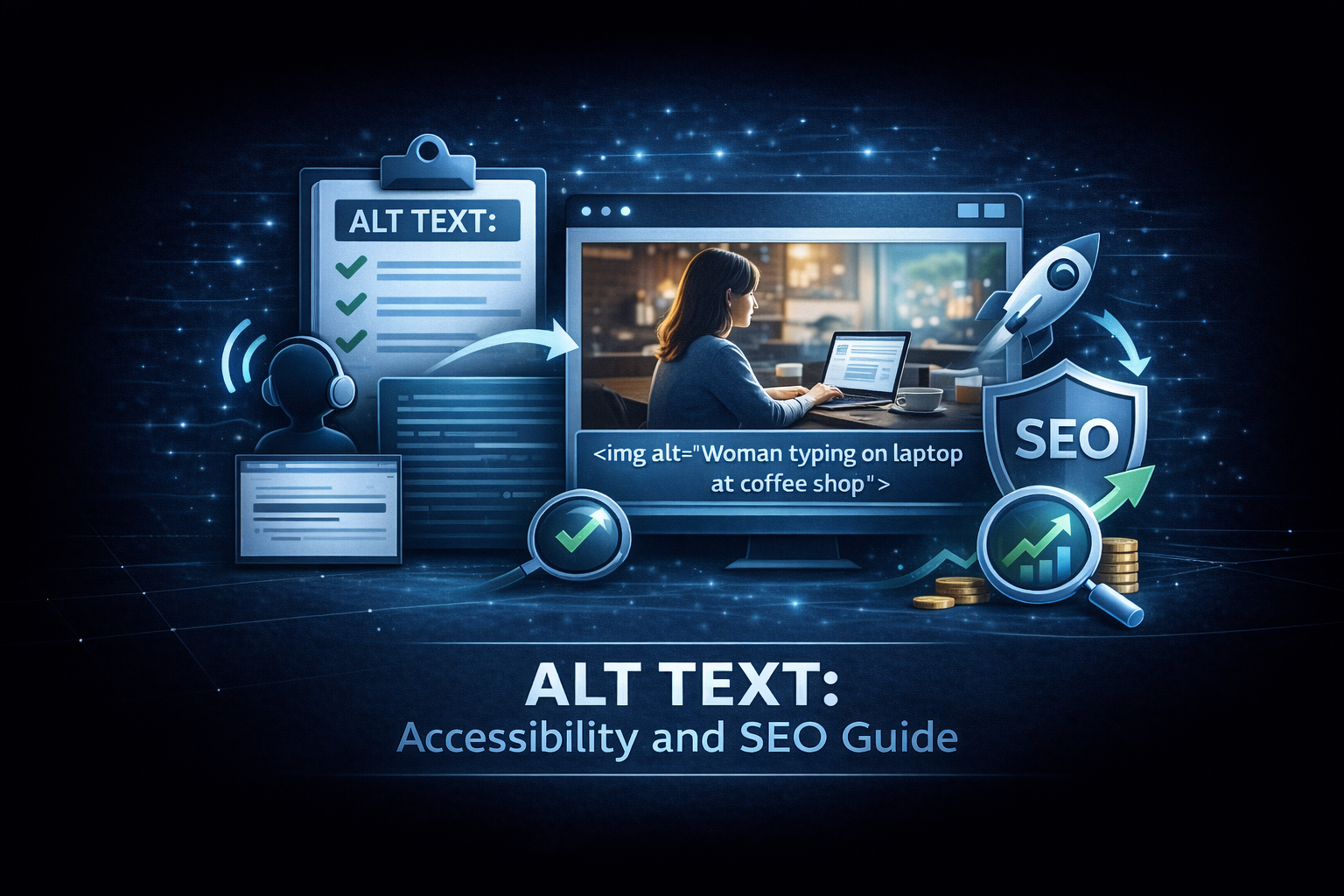
Alt text (alternative text) describes images for people who can’t see them. Screen readers announce this text so blind and low-vision users can understand visual content.
It’s also an SEO factor. Search engines can’t “see” images either, so they rely on alt text to understand image content.
Getting alt text right improves both accessibility and search performance.
Why alt text matters
Accessibility
Over 285 million people worldwide have visual impairments. Screen readers convert page content to speech, but without alt text, images are announced as “image” or by their filename, which is meaningless to the user.
Good alt text:
<img src="team-meeting.jpg" alt="Marketing team reviewing Q3 campaign results" />Bad or missing:
<img src="IMG_3847.jpg" />
<!-- Screen reader: "IMG underscore 3847 dot jpg" -->
SEO
Search engines use alt text to understand image content, index images for image search, and get additional context about the page.
Fallback for broken images
When images fail to load, alt text displays instead, preserving meaning.
How to write good alt text
Be descriptive but concise
Describe what the image shows in 1-2 sentences.
Good: “Woman typing on laptop at coffee shop” Too vague: “Person” Too long: “A young woman in her 30s wearing a blue sweater sitting at a wooden table in a warmly lit coffee shop with exposed brick walls typing on a silver MacBook Pro while a cup of cappuccino sits beside her”
Convey purpose, not just appearance
Ask: why is this image here? What information does it communicate?
Image of a graph:
- Appearance: “Bar chart with blue and green bars”
- Purpose: “Sales increased 40% from Q2 to Q3 2026”
The purpose version is usually more useful.
Context matters
The same image might need different alt text in different contexts:
Product page:
<img alt="Navy blue wool sweater with crew neck" />About us page:
<img alt="Our founder wearing a sample from our first collection" />Include relevant keywords (naturally)
Alt text is an SEO opportunity, but don’t stuff keywords:
Natural: “Borut Balazek of Corco Labs working at his desk” Stuffed: “Software engineer Slovenia freelance software developer software engineering services Corco Labs”
Don’t start with “Image of” or “Picture of”
Screen readers already announce that it’s an image.
Don’t: “Image of a sunset over the ocean” Do: “Sunset over the Pacific Ocean with orange and purple clouds”
When to use empty alt text
Some images are decorative. They add visual interest but no information. Use empty alt text:
<img src="decorative-divider.png" alt="" />This tells screen readers to skip the image.
Decorative images include:
- Border patterns
- Background textures
- Purely visual dividers
- Icons that duplicate adjacent text
Don’t mark meaningful images as decorative just because alt text is hard to write.
Alt text for different image types
Photos
Describe the scene, people, and action:
<img alt="Developer debugging code on dual monitors in home office" />Product images
Include key product details:
<img alt="Black leather messenger bag with brass buckles, front view" />Charts and graphs
Summarize the data or insight:
<img alt="Line graph showing 200% revenue growth from 2024 to 2026" />For complex data, consider providing a longer description elsewhere on the page.
Logos
Name the organization:
<img alt="Corco Labs logo" />Screenshots
Describe what the screenshot shows:
<img alt="Dashboard showing user analytics with 5,000 monthly active users" />Icons
If meaningful, describe the action. If decorative (next to text that says the same thing), use empty alt:
<a href="/cart"> <img alt="" src="cart-icon.svg" /> Cart (3 items) </a>Common alt text mistakes
Missing alt attribute
No alt attribute at all:
<img src="photo.jpg" />This causes screen readers to announce the filename.
Generic alt text
Non-descriptive placeholders:
<img alt="photo" />
<img alt="image" />
<img alt="banner" />
File names as alt text
<img alt="IMG_4532.jpg" /> <img alt="product-photo-final-v2.png" />Keyword stuffing
<img
  alt="best software development company top software engineers custom software development services enterprise software"
/>
Too long
Alt text over ~125 characters may be cut off. Be concise.
Auditing existing images
Large sites can have hundreds or thousands of images. Auditing manually is impractical.
What to look for
- Missing alt attributes: no alt at all
- Empty alt on meaningful images:
alt=""on informative images - Generic alt text: “image”, “photo”, “banner”
- Filename alt text: technical file names
- Overly long alt text: walls of text
Auditing a page
Lighthouse and axe both flag missing alt attributes, but neither can tell you whether the alt text you wrote is any good. What you want out of an audit is:
- Total images found
- Images with missing alt
- Images with empty alt
- Images with generic alt (“image”, “photo”, the filename)
The first three a tool can find. The fourth needs you to read them.
Bulk auditing
For site-wide audits:
- Crawl your site (Screaming Frog, Sitebulb, etc.)
- Export all images and alt text
- Filter for missing or poor alt text
- Prioritize by page importance
Implementing alt text
Content management systems
Most CMS platforms have alt text fields:
- WordPress: in the media library and image block
- Shopify: product image settings
- Squarespace: image caption/alt field
Train content creators to fill these in consistently.
In code
Always include the alt attribute:
<img src="image.jpg" alt="Description here" />For decorative images:
<img src="decoration.jpg" alt="" />Responsive images
Alt text applies to the <img> tag regardless of srcset:
<img
  src="small.jpg"
  srcset="medium.jpg 800w, large.jpg 1200w"
  alt="Team collaboration in the office"
/>
Alt text in social media
Social platforms have their own alt text support:
- Twitter/X: alt text button on images
- Instagram: advanced settings when posting
- Facebook: automatic alt text (often poor) plus manual option
- LinkedIn: alt text option on image posts
Using platform-native alt text improves accessibility for your social content too.
Legal requirements
Many accessibility laws require alt text:
- ADA (US): websites must be accessible
- Section 508: government sites
- WCAG 2.1: AA standard requires alt text
- European Accessibility Act: EU requirements
Missing alt text is often cited in accessibility lawsuits.
Take action
- Audit the images on a key page
- Identify images needing improvement
- Write descriptive alt text for meaningful images
- Mark purely decorative images with empty alt
- Establish guidelines for future content
For accessibility audits or implementation help, reach out.
Need help shipping?
I build and ship software for clients, from AI features to performance and SEO fixes, with weekly demos and full code ownership.
Tell me what's stuck