
Choosing a Tech Stack: WordPress, Astro, or Next.js
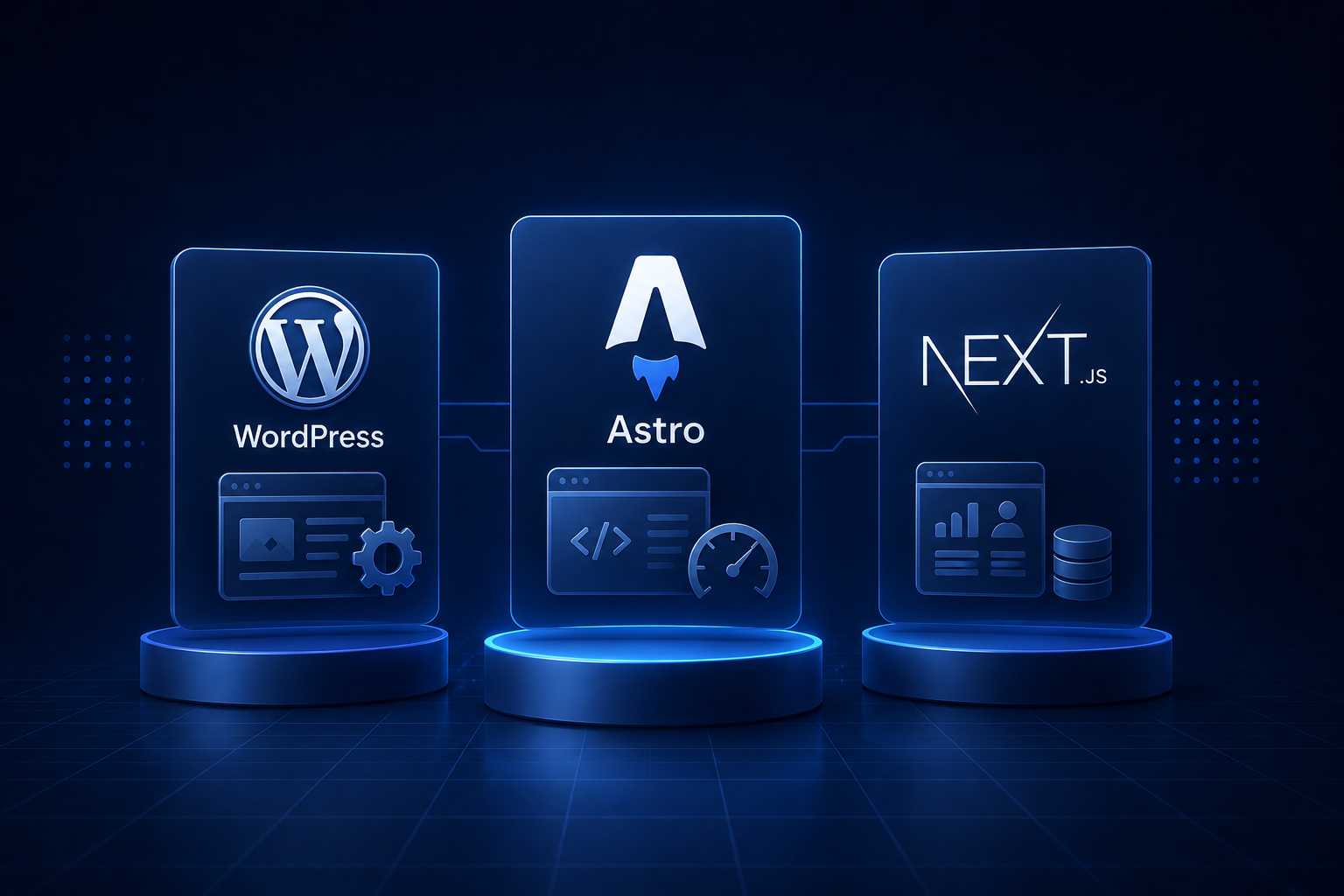
“What should we build it in?” is one of the first questions a client asks, and it’s usually the wrong first question. The right one is “who edits this, and what does it need to do?” Answer that and the stack mostly picks itself.
I’ll be upfront about a bias: most of my marketing and content sites are built on Astro, and I’ll explain why. But I still build on WordPress when it’s the right call and reach for Next.js when a project is really an app wearing a website’s clothes. There’s no universal best stack, only a best fit for a specific situation. Here’s how we reason about it.
The three archetypes
Strip the ecosystem down and you get three fundamentally different shapes.
WordPress is a content management system with two decades of momentum. It runs a huge share of the web. Its superpower is that non-technical people can edit content, add pages, and install functionality without a developer in the loop.
Astro is a modern framework for content-heavy sites. It ships zero JavaScript by default and only sends interactivity where you explicitly ask for it. The result is very fast pages from a clean component-based codebase. (This site runs on it.)
Next.js is a React framework for application-like sites: dashboards, authenticated areas, anything with a lot of live interactivity and server logic. It’s the heaviest of the three and the most capable when you genuinely need that capability.
The questions that actually decide it
Before comparing features, answer these. They matter more than any benchmark:
- Who edits the content, and how often? Non-technical team updating pages weekly is a very different answer from a developer deploying changes.
- How dynamic is it? A brochure site, a blog, and a real-time dashboard sit at completely different points on this axis.
- What skills does the team have? The best stack for a PHP shop and a React shop are not the same, and pretending otherwise creates an unmaintainable handoff.
- How much do performance and SEO matter? For some businesses it’s the whole game; for an internal tool, nobody cares about Core Web Vitals.
- What’s the budget and timeline? Speed to launch and long-term cost of ownership pull in different directions.
- How long does this need to live? A campaign microsite and a ten-year platform deserve different bets.
Notice that none of these are “which framework is trendiest.” That’s the point.
When WordPress is the right answer
I don’t sneer at WordPress. For a real and common set of projects, it’s the correct, responsible choice:
- A non-technical team needs to publish and edit content constantly, without a developer.
- You need a specific capability that already exists as a mature plugin (events, memberships, certain e-commerce flows).
- The timeline is tight and the budget favors assembling over building.
- The site is content-first and the interactivity is modest.
What you take on in exchange: WordPress needs maintenance. Core, theme, and plugin updates have to be applied, because outdated plugins are the single most common way WordPress sites get hacked. Performance usually needs deliberate work (caching, image optimization, trimming plugin bloat) to hit good Core Web Vitals. The flexibility that lets anyone change anything is also how sites drift into a mess. WordPress is cheap to start and has real running costs. Plan for them.
When Astro is the right answer
Astro is my default for marketing sites, blogs, documentation, and most content-driven projects, and the reasons are concrete:
- It’s fast by construction. Zero JS by default means pages are light without a performance crusade after launch.
- You write components, not a monolith. Reusable, maintainable structure, with React (or Vue, Svelte) dropped in only where a page truly needs interactivity, via “islands.”
- SEO and content are first-class. Built-in content collections, easy structured data, and clean markup, instead of fighting a theme.
- It composes with a CMS when editors need one. Astro doesn’t force developers-only editing; you can pair it with a headless CMS so non-technical staff still get a friendly editor (more on that below).
Where Astro is the wrong tool: a heavily interactive, application-like product. You can push it there, but at that point you’re swimming against the framework’s current, and Next.js is the better fit.
When Next.js is the right answer
Reach for Next.js when the project is really an application:
- Authenticated areas, user accounts, dashboards, role-based access.
- Lots of live, stateful interactivity - not a contact form, but a product people use.
- Heavy server-side logic, server actions, or rendering strategies (SSR/ISR) tied to per-request data.
- A React team whose skills and component libraries you want to build on directly.
The trade-off is weight and complexity. Next.js ships a real JavaScript runtime to the browser and asks more of your team to operate well. For a five-page marketing site, it’s overkill that you’ll pay for in build complexity and performance you then have to claw back. For a SaaS product, it’s right at home.
The headless middle ground
There’s a fourth option people forget: keep a friendly editing experience without keeping WordPress as your whole frontend. A headless CMS (Sanity, Storyblok, or even WordPress used purely as a backend) stores the content and exposes it via an API, while Astro or Next.js renders the actual site.
Editors get a clean interface; developers get a modern, fast, maintainable frontend. It’s more setup than a turnkey WordPress theme, so it earns its keep on content-heavy sites with real editorial teams, less so on a small brochure site.
Where I land
A rough map of how I’d choose, all else equal:
| Project | Usually the best fit |
|---|---|
| Brochure / small business site | Astro |
| Blog or content / marketing site | Astro (+ headless CMS if editors need one) |
| Editor-heavy site, tight budget, mature plugin need | WordPress |
| Documentation site | Astro |
| SaaS app, dashboard, authenticated product | Next.js |
| Online store | WordPress/WooCommerce for simple; Next.js or a hosted platform for custom |
These are defaults, not laws. A specific constraint - your team’s skills, an existing system you must integrate with, a hard deadline - can and should override the table.
The part that matters more than the stack
Here’s the uncomfortable truth after years of doing this: the stack is rarely why a project succeeds or fails. I’ve seen excellent WordPress sites and miserable Next.js ones, and the reverse. What actually decides the outcome is whether the team is disciplined about structure, performance, and maintenance - and whether the choice fits how you will run the site after launch.
A stack you can maintain beats a “better” stack you can’t. If you’re weighing a rebuild or a first build and want a straight recommendation tied to your real constraints rather than a trend, that’s exactly the kind of thing I sort out in discovery. Take a look at how I approach web development, or just tell me what you’re building and I’ll tell you what I’d use, and why.
Need help shipping?
I build and ship software for clients, from AI features to performance and SEO fixes, with weekly demos and full code ownership.
Tell me what's stuck